Streamlining Your Publishing Workflow with the KDP Interiors Revision Planner
Self-publishing on Amazon requires a delicate balance between creative vision and technical precision. For authors and low-content book creators, the interior design phase is often where projects stall or suffer from costly formatting errors. The KDP Interiors Revision Planner addresses this bottleneck by providing a structured, editable foundation specifically designed for the 6″ x 9″ trim size. Rather than starting from a blank canvas or wrestling with incompatible templates, this premium file offers a professional starting point that respects both aesthetic standards and platform requirements.
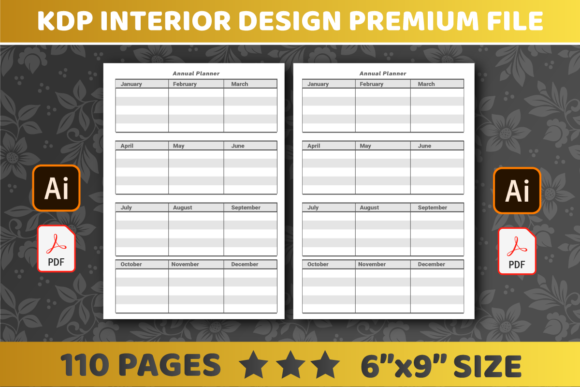
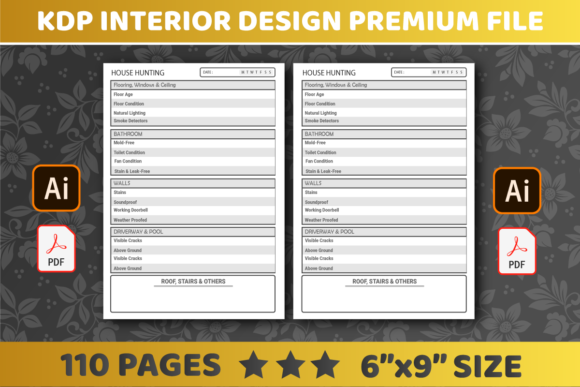
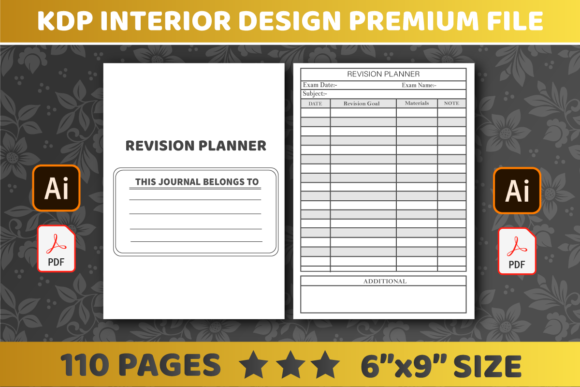
This resource is not merely a template; it is a workflow tool. By utilizing a pre-configured 110-page layout with no bleed settings, creators can focus on content customization rather than margin calculations. Whether you are producing academic journals, guided notebooks, or specialized planners, understanding how to leverage this specific interior file can significantly reduce production time while elevating the perceived value of your final product.
Technical Specifications and Platform Compliance
The most immediate benefit of using a dedicated KDP Interiors Revision Planner is built-in compliance. Amazon’s printing specifications are rigid, and even minor deviations in gutter margins or bleed settings can result in rejected files or poor print quality. This premium file comes pre-set to the industry-standard 6″ x 9″ dimension, which remains the most versatile and popular size for trade paperbacks and journals.
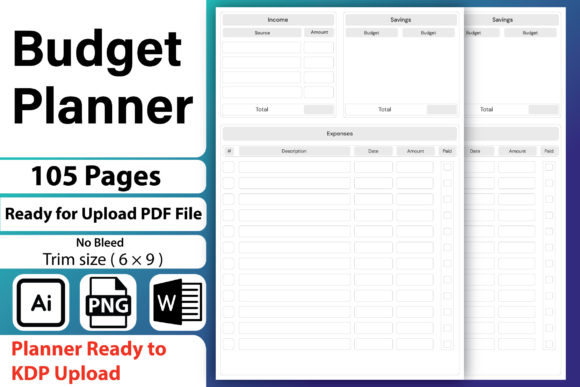
Critically, this file is configured with no bleed. This distinction matters immensely for new publishers. A no-bleed setup ensures that all text and graphical elements remain safely within the printable area, eliminating the risk of content being trimmed off during the binding process. For revision planners, where functional lines and writing spaces must be precise, this safety margin is non-negotiable. The 110-page count provides substantial volume for a comprehensive planner without pushing the spine width into a category that requires complex cover adjustments, making it an ideal sweet spot for cost-effective printing and perceived value.
File Format Flexibility: PDF and AI
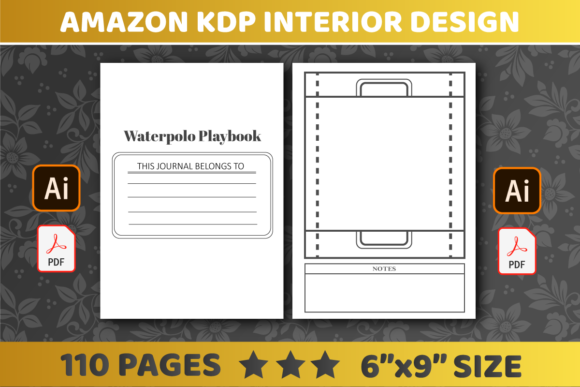
Versatility in file format dictates how useful a template truly is. This resource includes both PDF and Adobe Illustrator (AI) files, catering to different skill levels and software access.
- PDF Files: Ideal for creators who want a ready-to-upload solution or prefer working in free tools like Canva or PDF editors. The PDF preserves the exact dimensions and layout integrity, ensuring that what you see is exactly what gets printed.
- AI Files: Essential for designers requiring vector-level control. Adobe Illustrator allows for global changes to master pages, typography adjustments, and line weight modifications without pixelation. This is crucial for branding consistency across a series of planners.
Having both formats means you are never locked out of your own product. If you start with a PDF for speed but later decide to rebrand with custom icons or fonts, the AI source file ensures you have total ownership and editability.
The Strategic Value of Editable Interiors
The phrase "easily edit" carries significant weight in the low-content publishing space. Many generic templates are flattened images or locked layers that prevent meaningful customization. The KDP Interiors Revision Planner is engineered for modification. This editability transforms a generic product into a niche-specific asset.
Consider the difference between a general "Revision Planner" and a "Nursing Student Clinical Revision Planner." The latter commands a higher price point and faces less competition because it speaks directly to a user's specific pain points. With fully editable source files, you can rename sections, adjust header styles, insert subject-specific checklists, or modify date formats in minutes. This capability allows publishers to rapidly test different niches using the same high-quality structural base, maximizing return on investment for the initial template purchase.
Optimizing the 110-Page Structure
Page count is a strategic decision, not just a physical constraint. At 110 pages, this planner offers enough real estate for detailed tracking without becoming unwieldy. In the context of revision planning, this length supports several practical layouts:
- Daily Focus Blocks: Dedicated pages for breaking down study sessions or project milestones.
- Progress Tracking: Visual charts or habit trackers that span multiple weeks.
- Reflection Sections: Space for reviewing what worked and what didn’t, which is central to the "revision" concept.
- Reference Material: Room for formulas, key dates, or contact lists relevant to the user’s goals.
Because the file is easily editable, you can expand or contract these sections based on your target audience's needs. A teacher’s lesson revision planner might need more weekly overview space, while a student exam prep book might prioritize daily drill logs. The 110-page framework accommodates both without requiring a complete redesign.
Integrating the Planner into Modern Creative Workflows
Modern self-publishing is rarely about creating a single book; it is about building a catalog. The KDP Interiors Revision Planner fits seamlessly into scalable production workflows. When combined with project management tools or batch-processing scripts, this template becomes a multiplier for output.
For teams or virtual assistants, the standardized AI and PDF structure reduces onboarding friction. Clear layer naming conventions and organized artboards mean that anyone with basic design skills can produce consistent interiors. This standardization also aids in marketing; when your books share a cohesive internal aesthetic, customers recognize your brand and trust the quality. The ability to easily edit ensures that while the structure remains familiar, the content stays fresh and relevant to seasonal trends or emerging educational methodologies.
Practical Considerations Before Implementation
While this premium file solves many technical challenges, successful implementation requires thoughtful preparation. Before diving into customization, consider the following factors to ensure the final product meets market expectations:
- Paper Quality Awareness: Remember that KDP standard color paper is 55# (90 GSM). Ensure your line weights and opacity settings in the AI file are optimized for this stock to prevent show-through, especially in double-sided revision logs.
- User Experience Testing: Print a test copy at home before uploading. Digital screens lie about usability. Verify that the writing spaces are actually large enough for handwriting and that the no-bleed margins feel comfortable, not cramped.
- Niche Validation: Just because you can edit the planner doesn't mean every variation will sell. Use keyword research to validate demand for specific revision topics before investing time in customization.
- Software Compatibility: Confirm your version of Adobe Illustrator or your preferred PDF editor supports the file version provided. Keeping software updated prevents font substitution issues and layer corruption.
Elevating Product Quality Through Professional Foundations
In a marketplace saturated with amateur designs, professional-grade interiors are a primary differentiator. Customers leave negative reviews for books with misaligned text, inconsistent margins, or unusable layouts. By starting with a verified KDP Interiors Revision Planner, you eliminate these fundamental flaws from the equation.
The psychological impact of a well-formatted interior should not be underestimated. When a user opens a revision planner and sees clean lines, balanced whitespace, and intuitive navigation, they immediately perceive higher value. This perception translates to better reviews, higher conversion rates, and increased customer loyalty. The premium nature of this file isn't just about the technical specs; it's about signaling to your reader that their productivity and goals deserve a quality tool.
Furthermore, the ease of editing encourages iteration. Successful publishers rarely get it perfect on the first try. They read reviews, gather feedback, and improve subsequent editions. With a flexible AI/PDF source file, updating your revision planner based on customer feedback is a straightforward process rather than a daunting rebuild. This agility is essential for long-term success in the dynamic world of digital publishing.
Balancing Automation with Authenticity
While templates streamline production, authenticity drives sales. The goal is to use the KDP Interiors Revision Planner as a skeleton, not a skin. Add unique introductions, personalized tips, or proprietary tracking methods that reflect your expertise or brand voice. The template handles the geometry; you provide the soul.
This balance is where the true power of easily editable files emerges. You maintain professional consistency in margins, fonts, and layout grids while injecting unique value through content. This approach satisfies both Amazon’s algorithmic preference for distinct products and the human reader’s desire for genuine utility. Ultimately, this premium file serves as a bridge between efficient manufacturing and meaningful creation, allowing publishers to deliver exceptional revision tools without getting lost in technical minutiae.